Login to InContact
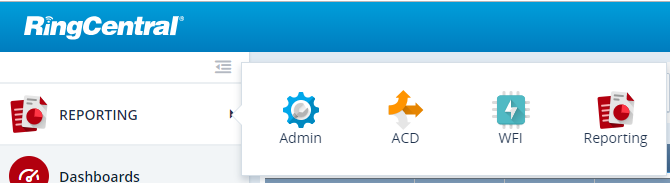
Navigate to Admin
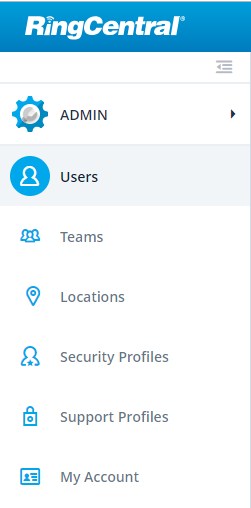
Select Users
Search and Open the User needed
Once you have the user account open, simply click Reset Password
The agent selected will now receive a password reset email. Have them follow the email steps to reset their password
Was this article helpful?
That’s Great!
Thank you for your feedback
Sorry! We couldn't be helpful
Thank you for your feedback
Feedback sent
We appreciate your effort and will try to fix the article